
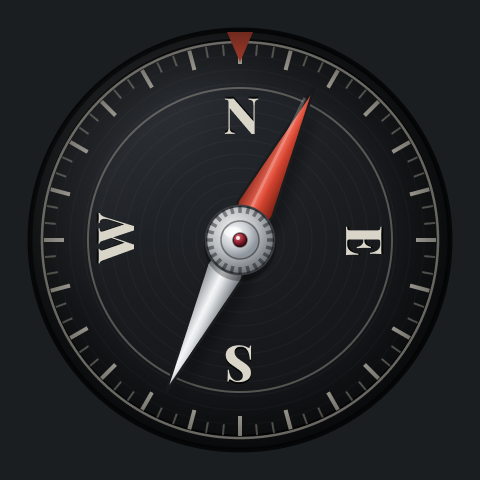
Needle: True North Compass
The whole screen is the instrument.

About this app
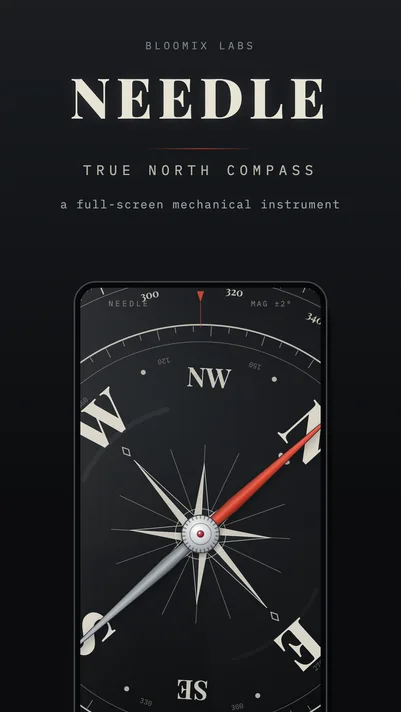
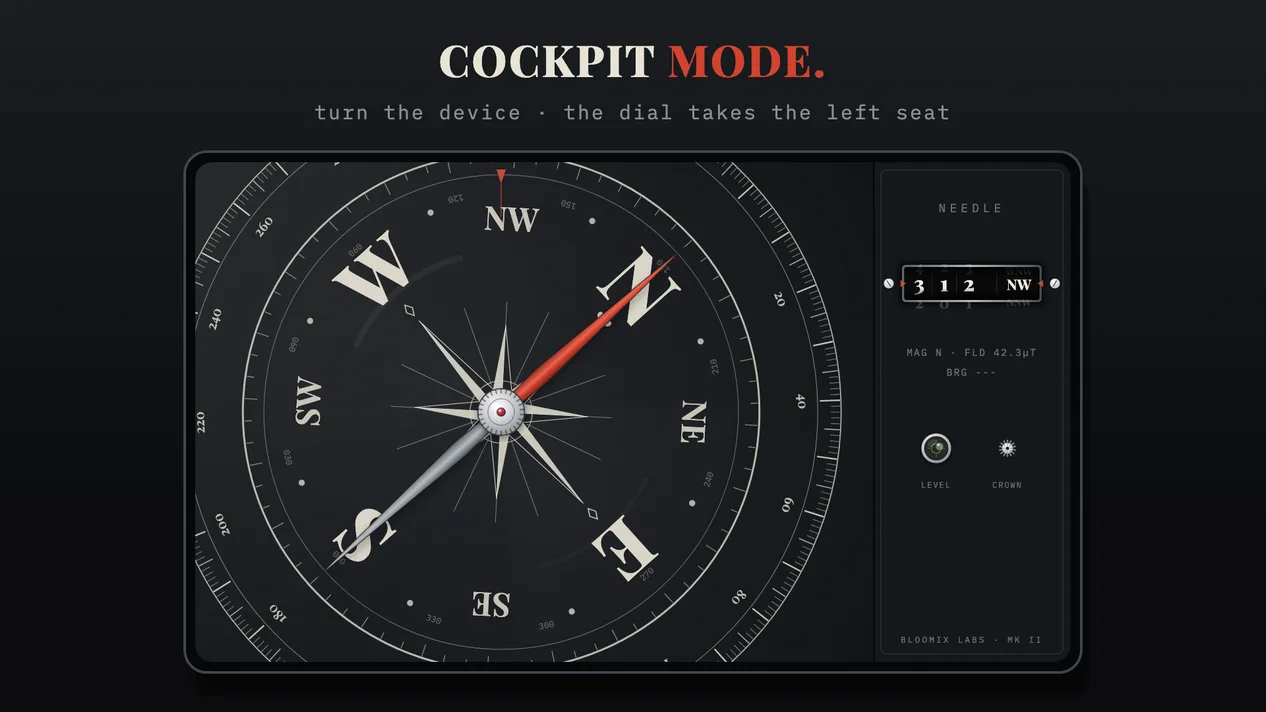
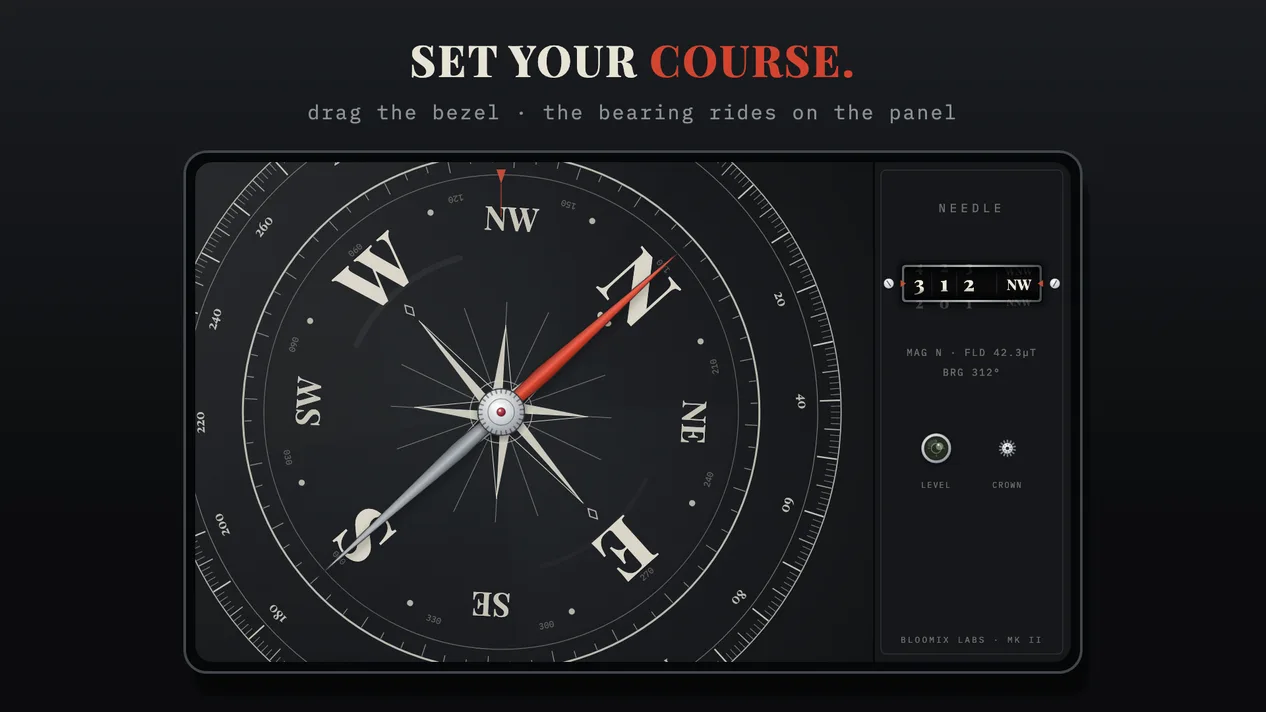
Open any other compass app and you get a circle floating in the middle of a large screen, with the rest given over to nothing in particular. Needle takes the whole display. The instrument fills it, edge to edge, with no chrome in the way.
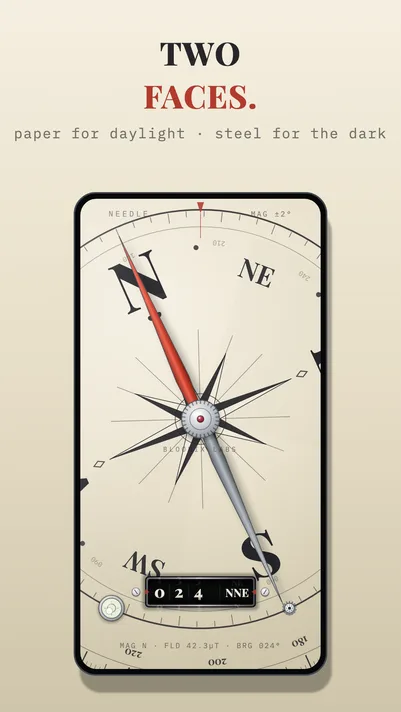
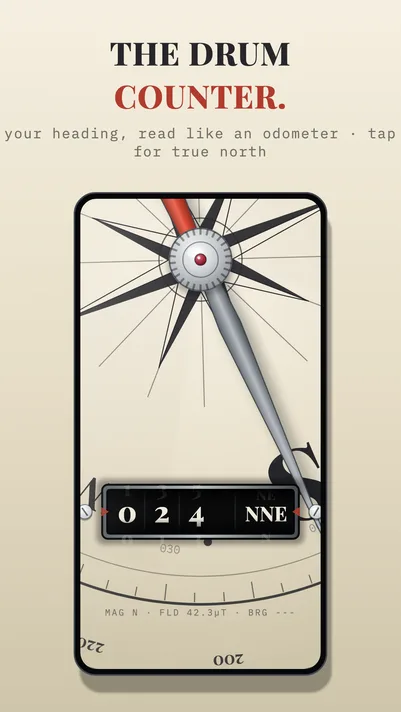
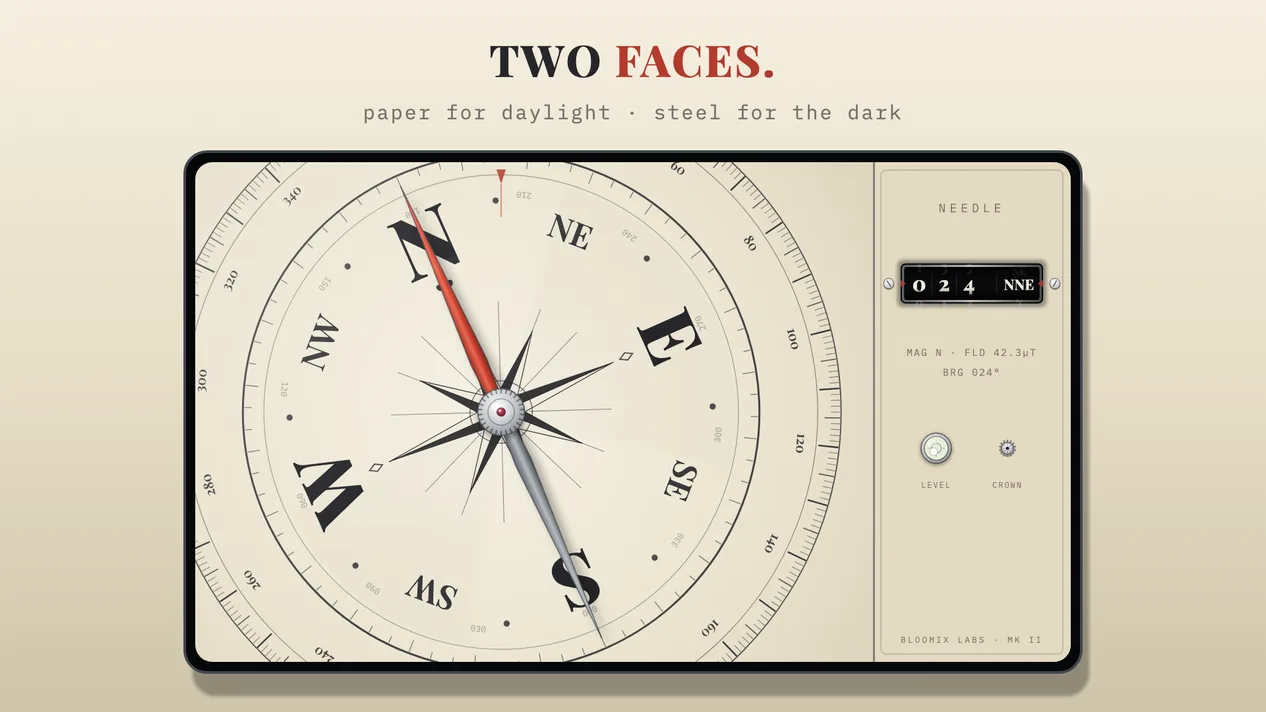
It’s drawn as a real object. A red-lacquered needle on bare steel, turning on a ruby pivot, with a shadow that shifts as you tilt the phone. Two faces: FIELD in bone and charcoal for daylight, NIGHT STEEL in gunmetal for the dark. Double-tap to swap between them.
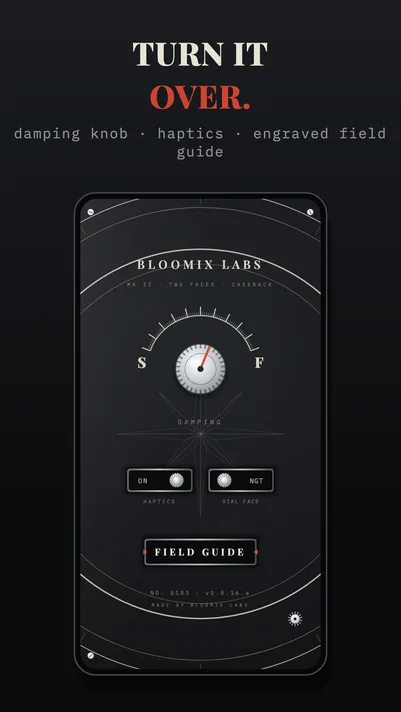
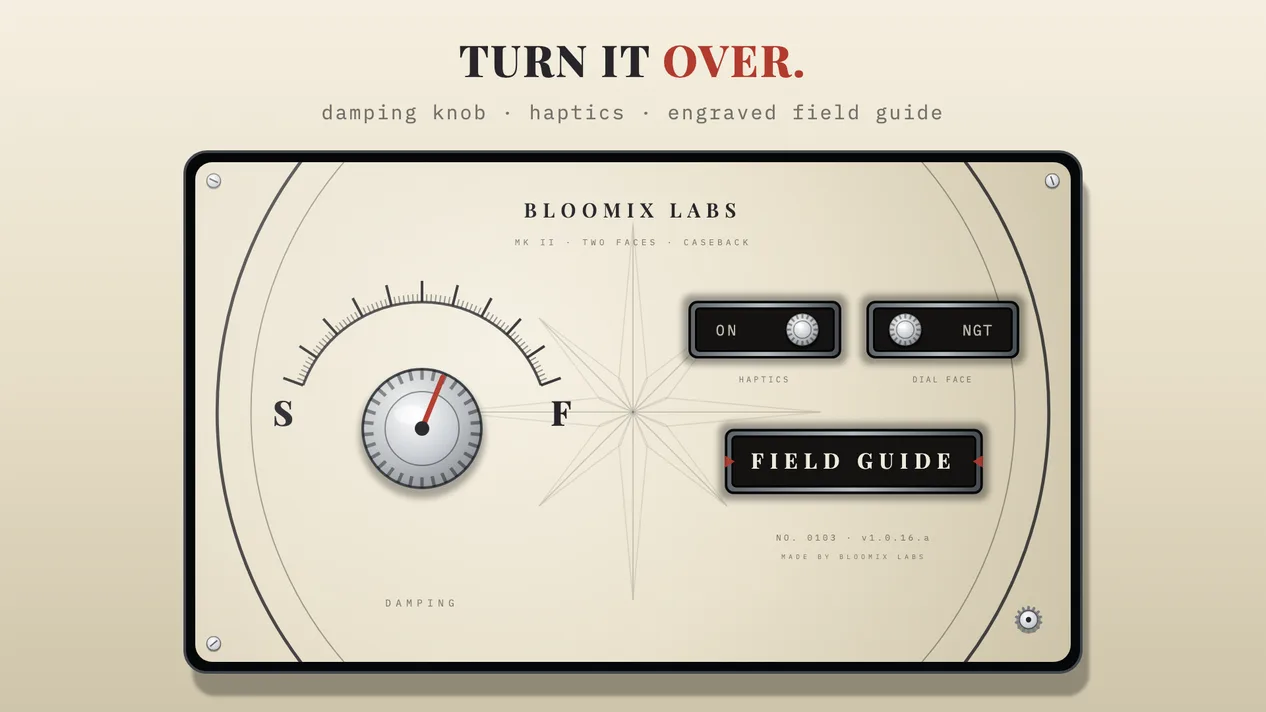
The needle doesn’t animate. It runs on damped-spring physics, so it darts past north, swings back and settles the way a needle floating in fluid actually behaves. If you prefer it calmer or quicker, there’s a regulator knob to retune it.
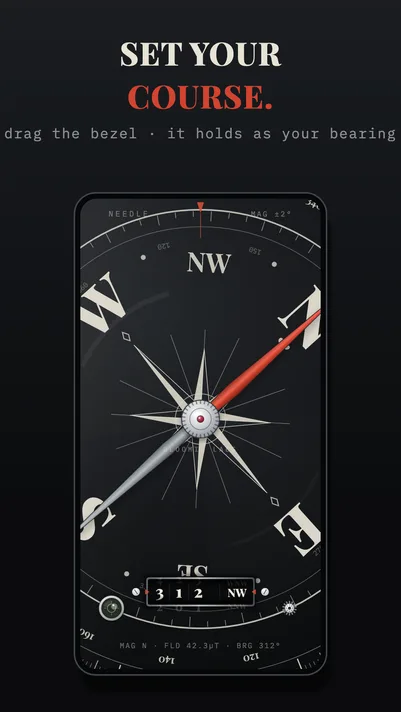
Turn the dial with your thumb and it works like an orienteering bezel — click-stops every five degrees, holding your bearing until you release it. Your heading reads out on a mechanical drum counter cut into the face, the digits rolling as you turn.
Underneath the look, it’s a working instrument. True north as well as magnetic. A live reading of magnetic field strength, so you can tell when something nearby is pulling the needle off. And a spirit level set into the housing, so you can get the thing flat before you trust it.
Made by Bloomix Labs.
What it does
- The whole screenThe instrument fills the display, edge to edge. No app bars, no padding, nothing around it.
- A needle that behaves like oneDamped-spring physics rather than animation. It overshoots, swings back and settles, and lands with a soft haptic knock.
- Two facesFIELD for daylight, NIGHT STEEL for the dark. Double-tap anywhere to swap; it remembers which you chose.
- A bezel that turnsGrab the dial and turn it like an orienteering bezel. Click-stops every 5°, and it holds your bearing until you let it go.
- A drum counterYour heading rolls up on a mechanical odometer cut into the face, with the next digits visible at the window edges.
- True northTap the counter to switch from magnetic to true north, corrected for where you are.
- Interference warningA live magnetic field reading. Near anything magnetic the needle grows restless and the instrument tells you so.
- Bubble levelA real spirit vial in the housing, so you can level the compass before taking a reading.
- Settings on the casebackTurn the crown and the whole instrument flips over. Damping, haptics and dial face are physical controls on the machined back.