
RetroCalc: Retro Calculator
Chunky keys, a glowing display, and absolutely no internet.
About this app
Remember when a calculator was a physical object? A slab of plastic on the desk with a glowing display, keys that clicked back at you, and exactly one job — which it did instantly, every time, without asking who you were.
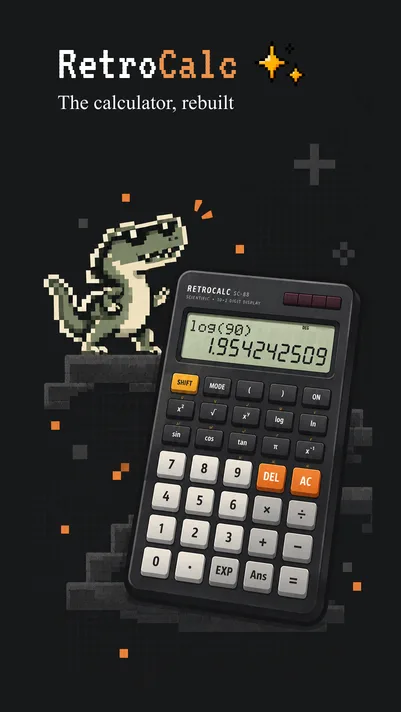
RetroCalc is that calculator, rebuilt for your phone.
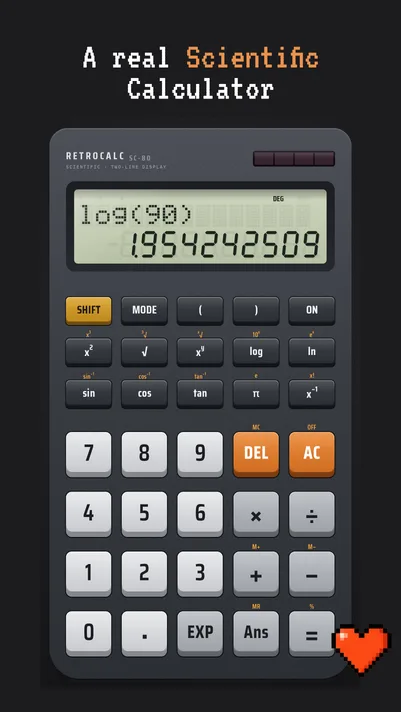
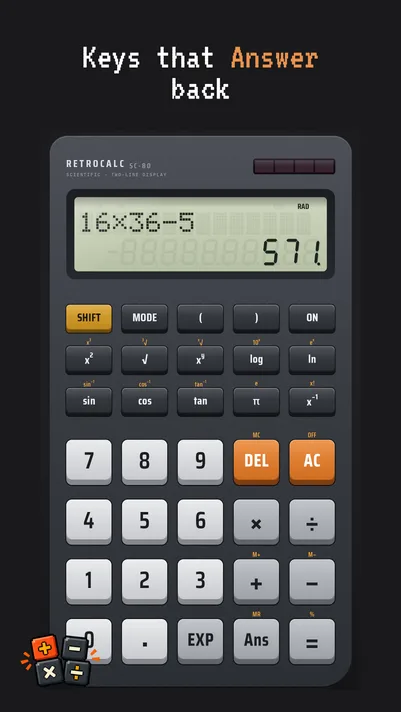
The display is a proper glowing segment readout. The keypad is chunky and generously sized, laid out the way calculator keypads have always been laid out, so your thumb already knows where the numbers are. Press a key and it responds — visually, and with a short haptic tap that makes the whole thing feel physical again.
Underneath the nostalgia, it's a modern app. It's fast, it's tiny, it opens instantly, and it never gets in your way with a popup, a rating prompt, or a "sign in to continue" screen.
And it is genuinely private — not "privacy-focused" in the marketing sense, but private in the way that can be verified. RetroCalc doesn't declare the internet permission at all. It literally cannot send anything anywhere. There are no ads, no analytics SDKs, no crash reporters, no trackers, and no account. Your calculation history lives in your device's private storage and nowhere else. We can't see it, because there's no "we" on the other end — there's no server.
It's a calculator. It adds up. That's the whole promise.
Made by Bloomix Labs.
What it does
- Authentic retro displayA glowing segment-style readout with the soft edges and faint ghosting of a real calculator screen. Numbers land with weight instead of just appearing.
- A keypad built for thumbsBig, chunky, well-spaced keys in the classic layout, so you can punch in numbers without looking. Every press answers back with a haptic tap.
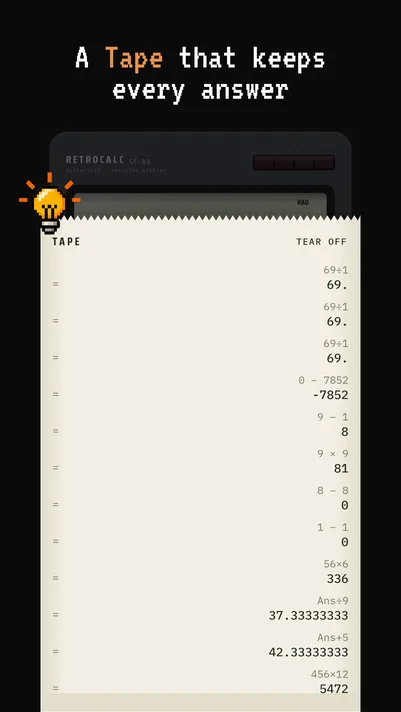
- History that stays with youEvery calculation is kept in a scrollable tape you can look back through. Tap any past result to drop it straight back into the current calculation.
- Truly offlineRetroCalc doesn't request the internet permission. Not "we choose not to use it" — the app is technically incapable of connecting to a network, on a plane, in a basement, or anywhere else.
- Zero data collectionNo ads, no analytics, no crash reporting, no third-party SDKs, no account. Nothing about you is collected, because nothing about you leaves your phone.
- No permissions, everThe app asks for nothing: no storage, no location, no contacts, no camera. Install it and it just works.
- Light on your deviceA few megabytes, instant cold start, and no background services quietly draining your battery while you're not looking.
- Themes with a pastSwitch between classic looks — amber glow, green phosphor, and the grey LCD of a school-desk calculator.
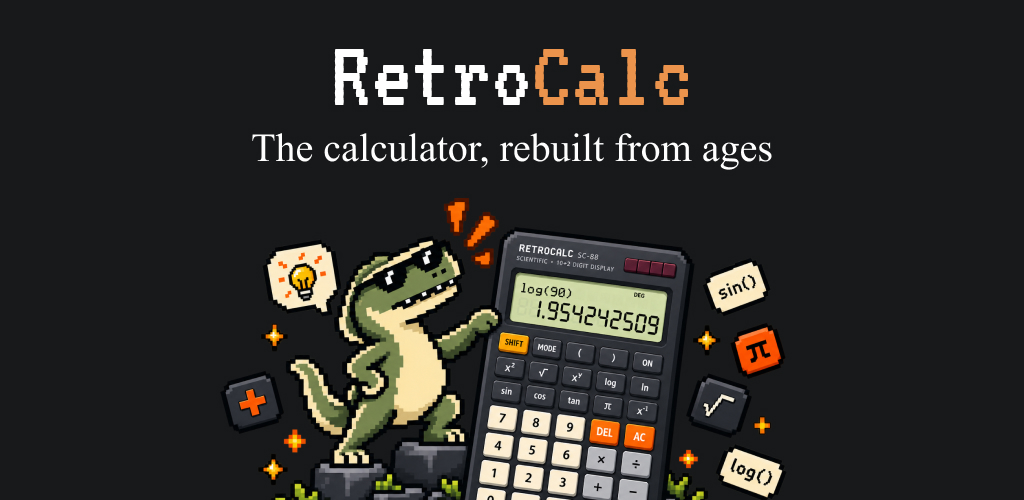
- Landscape scientific modeTurn your phone sideways for the extended keypad: powers, roots, trigonometry, logs, and memory keys.